

Last Updated: November 14, 2026
Quick Summary
Bundled fitness services combine workout tracking, nutrition logging, and accountability in one platform, cutting the friction and subscription creep that separate apps create. Choose a bundle if you value consistency and fewer daily decisions; keep separate apps only for one narrow, advanced need.
- Three separate subscriptions can look cheaper than one bundle until you count overlap, integration, and decision costs.
- Busy professionals often hold three to four fitness subscriptions but open only one or two in a given week.
- A 30-day program at $19 or a 10-week hybrid at $49 is a defined cost, not an open-ended bill.
- Run the basement gym test: put your phone in airplane mode and complete a full session.
- Audit renewals quarterly and cancel anything you did not open in the last thirty days.
Table of Contents
- All-in-One vs. Separate Apps: The Core Debate
- Fitness Apps for Workout and Nutrition Tracking: One Dashboard or Two?
- Fitness App Data Syncing: Where Bundles and Standalones Diverge
- Fitness App Subscription Comparison: The Real Monthly Math
- How to Measure Fitness Progress Accurately Across Your Tools
- The Hidden Trade-Offs: Privacy, Choice Overload, and Offline Access
- How to Choose the Right Fitness Ecosystem
- Start Here: Build Your Foundation with SigmaFit
- Frequently Asked Questions
All-in-One vs. Separate Apps: The Core Debate
The decision between bundled fitness services and separate apps comes down to one trade-off: convenience versus control. A bundle puts your workout tracking, nutrition logging, and accountability in one place. Separate apps let you pick the best tool for each job, but you pay for that flexibility in time and attention.
The answer depends less on which model is "better" and more on how much friction you can tolerate in your week. For evidence on why integrated fitness apps improve results, see why integrated fitness apps improve results.
What a Bundled Ecosystem Actually Includes
A bundled fitness ecosystem combines structured training programs, nutrition guidance, progress trackers, and accountability tools under one roof. Instead of stitching together a workout app, a calorie counter, and a coaching subscription, you open one platform and see everything together. The appeal is obvious: fewer logins, fewer decisions, and a single place to check whether you're on track.
Where Standalone Apps Still Win
Specialized software wins when you have a very specific need. A dedicated running app may offer deeper pace analysis than a general bundle. A standalone nutrition app may carry a larger food database. If your fitness goals are narrow and you already know exactly which tools you trust, separate apps can fit like a glove. The cost is that you become the integrator, manually moving data and reconciling three dashboards every week.
Fitness Apps for Workout and Nutrition Tracking: One Dashboard or Two?
One dashboard beats two for most busy professionals, because the biggest obstacle to consistency is rarely motivation. It's friction. Every extra app you open is another chance to skip the log entirely.
When workout tracking and nutrition logging live in the same place, patterns become visible. You can see that your strength sessions dip in weeks when your protein intake drops.
The counterargument has merit: a bundle's nutrition module may not match the depth of a dedicated food app. But depth you never open is worth less than a simple log you actually keep.
Fitness App Data Syncing: Where Bundles and Standalones Diverge
Data synchronization is the quiet dealbreaker in this debate. Separate apps depend on API integration and cross-platform compatibility, which works until it doesn't. A wearable integration breaks, a sync fails silently, and suddenly your health metrics are split across data silos again.
Watch out: silent sync failures are the most common trap with separate apps. Your workout posts to one platform, your recovery tracking stays in another, and you don't notice the gap for weeks.
Fitness App Subscription Comparison: The Real Monthly Math
The real monthly math on a fitness app subscription comparison rarely favors the bundle on sticker price alone. Three separate subscriptions can look cheaper than one all-in-one solution.
To see why, separate the cost of a fitness ecosystem into four buckets instead of one:
- Sticker cost, what each app charges per month or per year.
- Overlap cost, the features you pay for twice because two apps both track workouts, both log food, or both count steps.
- Integration cost, the minutes per week you spend exporting, re-entering, or reconciling data that did not sync.
- Decision cost, the mental load of choosing which app to open, which plan to follow, and which dashboard to trust.
Most people comparison-shop only the first bucket. The other three are where separate apps quietly lose.
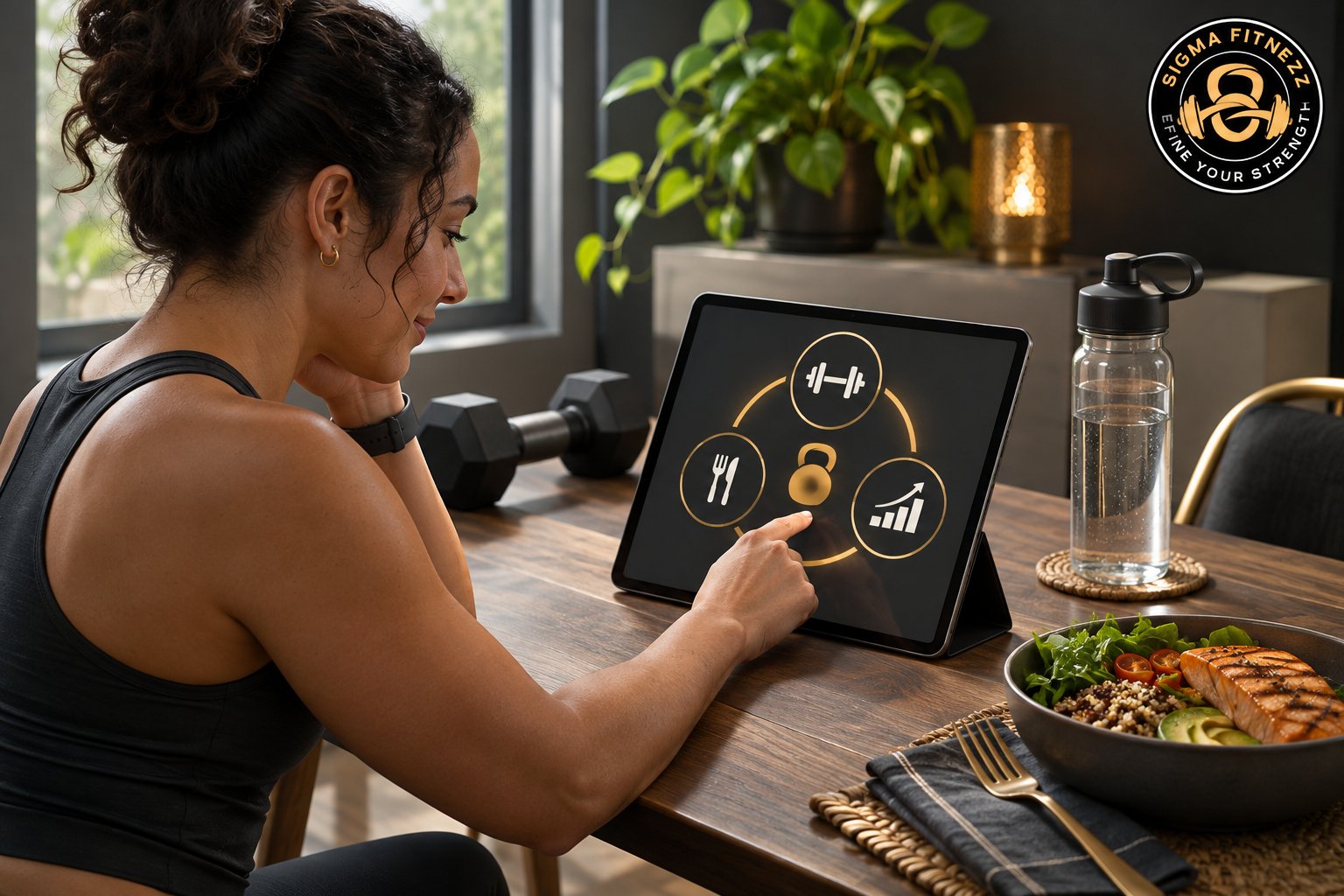
The Long-Term Cost of Subscription Creep
Subscription creep is not one big bill. It is a series of small, reasonable-seeming yeses. A workout app during a motivated January.
The creep has three engines worth naming:
- Free trials that convert silently. A seven-day trial becomes a monthly charge because the cancellation window closed during a busy week.
- Feature gaps that trigger a new purchase. Your bundle lacks a deep food database, so you add a specialist app, and now you maintain two profiles.
- Price hikes on renewals. Annual plans often renew at a higher rate than the introductory price, and the increase arrives without a decision point.
Bundled fitness services cap that exposure by consolidating what you need into one predictable cost.
One-time program purchases change the math further.
If you want to understand how long real results take before committing to any subscription, it helps to see how long a 12-week transformation takes to show results.
Watch out: the most expensive subscription is the one you keep because cancelling feels like admitting the purchase was a mistake.
How to Measure Fitness Progress Accurately Across Your Tools
Progress measurement only works when your data lives together. Tracking weight, strength numbers, and energy levels across three disconnected apps turns progress into guesswork. A bundle keeps those metrics in one timeline, so trends emerge instead of fragments.
Here's a simple framework we recommend for measuring progress:
- Weekly: log training sessions and nutrition adherence in one place
- Biweekly: compare strength numbers or run times against your baseline
- Monthly: review recovery tracking and energy patterns
- Quarterly: assess whether the whole system still fits your goals
For a deeper walkthrough, read our guide on how to measure fitness progress accurately across every tool you use.
The Hidden Trade-Offs: Privacy, Choice Overload, and Offline Access
Privacy and choice overload are the trade-offs nobody puts on the sales page. Most comparisons stop at features and price; the three forces below decide whether an ecosystem survives contact with a real week.
Data Privacy: One Relationship or Many
A bundle concentrates your health metrics in one company's hands, which means one privacy policy to read and one relationship to trust.
When you connect a workout app to a nutrition app to a sleep tracker, you are often granting each one access to read data the others wrote.
Watch out: review the connected-apps or data-sharing settings in each fitness app once a season. Permissions granted during a trial are easy to forget and rarely expire on their own.
The Paradox of Choice in Fitness
Separate apps offer endless personalization, but endless options create decision fatigue. The psychologist Barry Schwartz described this pattern as the paradox of choice: beyond a certain point, more options reduce satisfaction and increase the likelihood of choosing nothing at all (The Paradox of Choice). Fitness is a textbook case.
Busy professionals don't need twenty workout apps; they need one plan and the discipline to follow it. A bundle reduces the number of daily choices to a single question, did I do today's session?, which is the only question that actually moves the needle.
Offline Functionality: The Basement Gym Test
Offline access is the trade-off that only shows up when connectivity disappears: a plane, a basement gym, a park with weak signal, a hotel Wi-Fi that logs you out every ten minutes. Cloud-dependent standalone apps can stall at exactly the moment you are ready to train.
Before committing to any ecosystem, run the basement gym test: put your phone in airplane mode and try to complete a full session.
These three trade-offs point the same direction. The winning ecosystem is not the one with the most features; it is the one with the fewest places for your data, your attention, and your training to fall through the cracks.
How to Choose the Right Fitness Ecosystem
Choosing the right ecosystem starts with an honest audit of your week. Answer three questions: How many apps do you currently pay for? How many do you actually open? And how much time do you lose moving data between them?
If the answers embarrass you, a bundle is likely the better fit. If you have one highly specific need and a tool you genuinely love, keep it and build around it. The middle path, a bundle for the core work plus one specialist app, suits many people well.
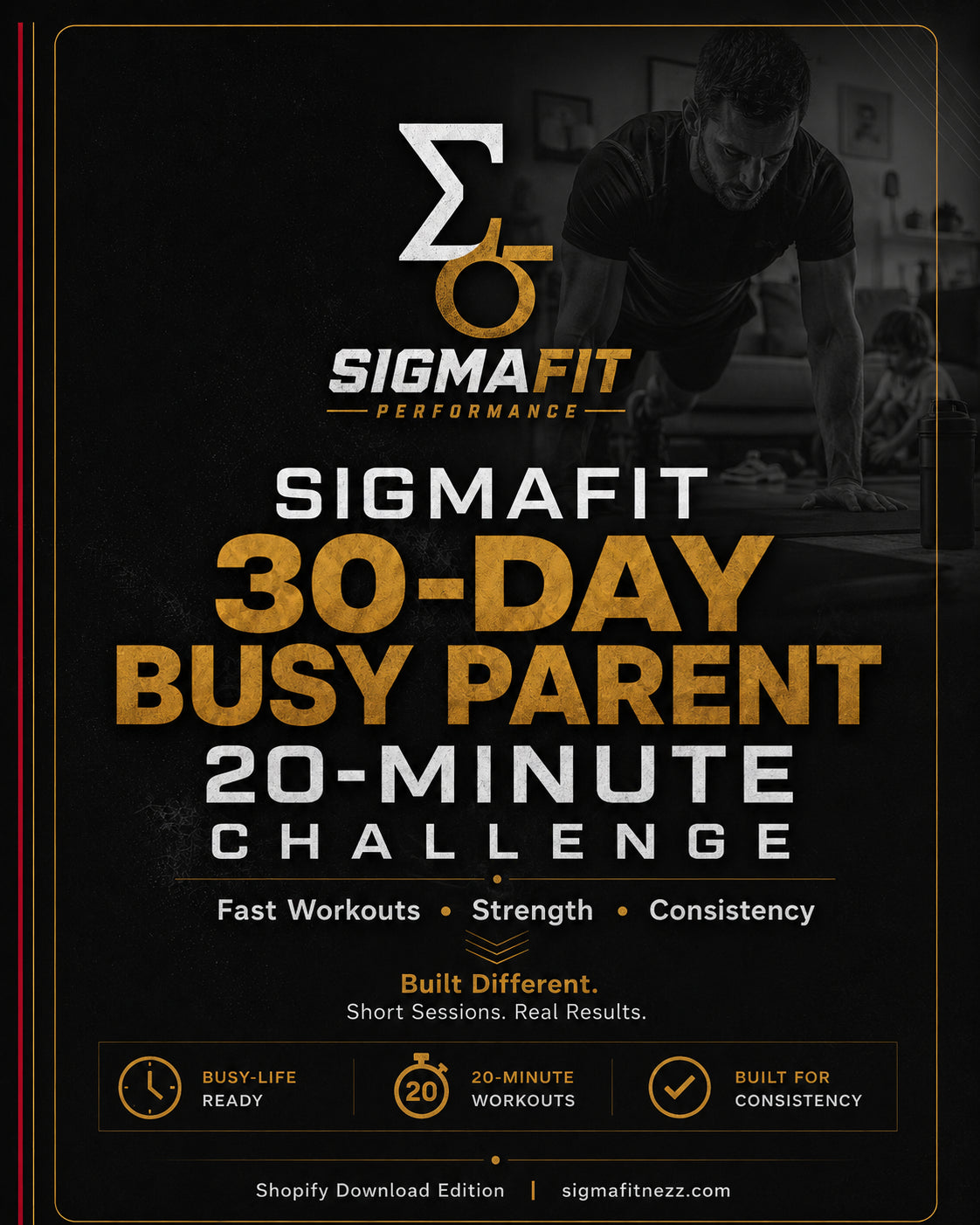
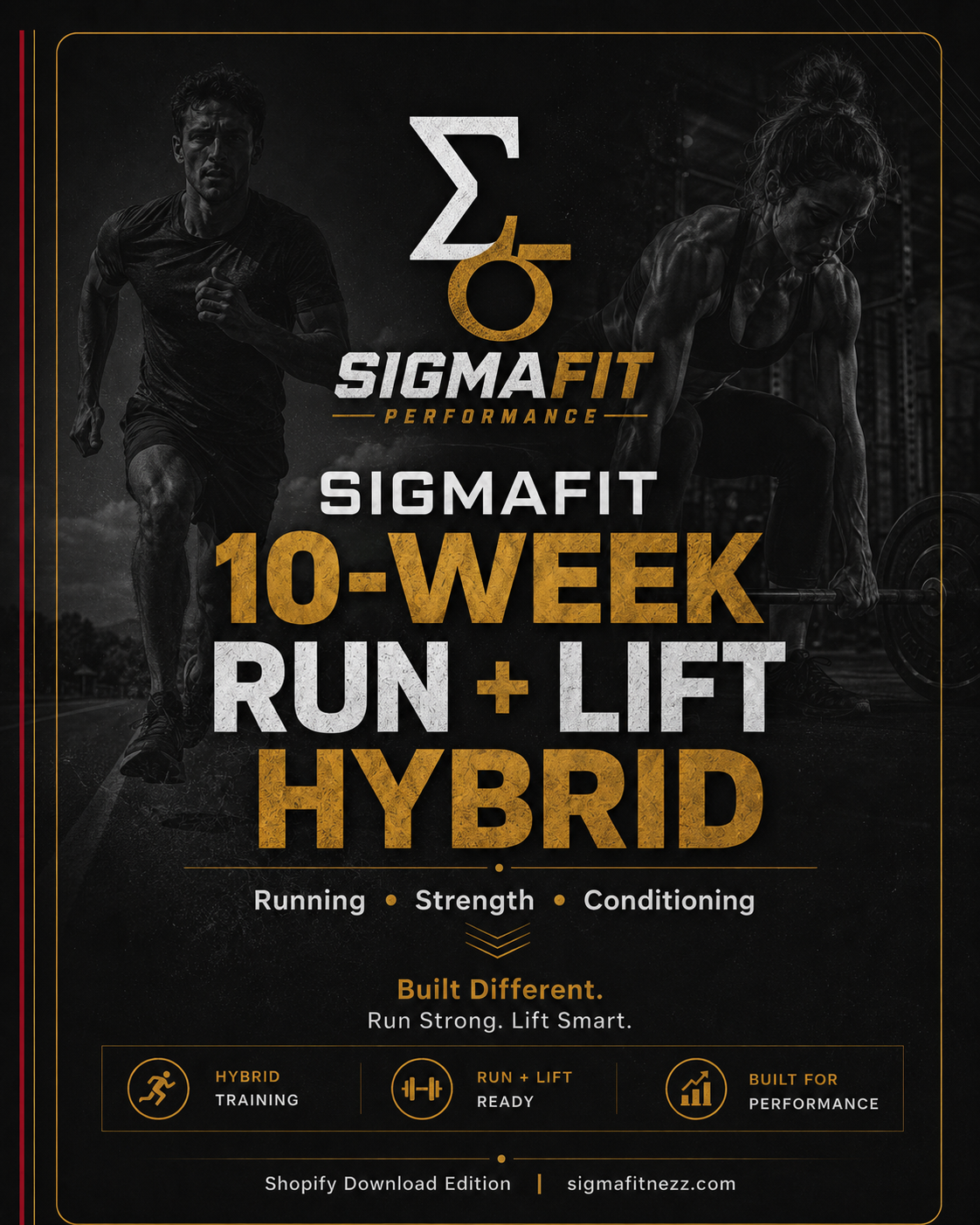
A structured program removes the guesswork from the start. Busy professionals can begin with the SigmaFit 30-Day Busy Parent 20-Minute Challenge, built around short sessions that fit a packed calendar. If you want to combine running and lifting, the SigmaFit 10-Week Run + Lift Hybrid gives you a defined schedule instead of an open-ended subscription.
| Approach | Best For | Watch Out For |
|---|---|---|
| All-in-one bundle | Beginners, busy schedules | Less depth in niche areas |
| Separate specialist apps | Narrow, advanced goals | Sync failures, subscription creep |
| Hybrid (bundle plus one app) | Most professionals | Slight overlap in features |
Start Here: Build Your Foundation with SigmaFit
The gap between knowing what to do and actually doing it is where most fitness plans die. Bundled fitness services close that gap by removing the daily decisions that derail consistency.
Our digital programs pair a clear calendar with progress trackers, check-ins, and a YouTube demo library so you always know what to do next.
The real challenge isn't choosing between a bundle and separate apps. It's building a routine you'll still follow in month three.
Frequently Asked Questions
Are bundled fitness services better than using separate apps?
It depends on how many apps you are already paying for and how much friction you tolerate. A bundle wins when you want workout plans, nutrition guidance, and accountability in one place without juggling logins or reconciling duplicate data. Separate apps win when you already have a trusted tracker and only need one narrow function. For most beginners and busy professionals, the deciding factor is consistency: fewer apps means fewer places to quit. Bundled fitness services remove the decision fatigue that causes people to abandon their routine by week three.
Can separate fitness apps sync workout and nutrition data?
Some can, but the connection is rarely seamless. Fitness app data syncing between standalone tools usually depends on third-party bridges or platform permissions, and a single broken update can silently stop your workout data from reaching your nutrition app. You often end up with duplicate entries, mismatched calorie estimates, or gaps in your history. If you do run separate apps, test the sync weekly and keep one source of truth for your numbers.
What are the downsides of using fitness apps?
The main downsides are subscription fatigue, data silos, and choice overload. Stacking four or five apps at $10 to $15 each can quietly add up to a meaningful monthly bill, and your health metrics end up scattered across platforms that do not talk to each other. Privacy is another consideration: every app you connect gets access to your health data. Apps also cannot replace structured programming or real accountability on their own. Choose tools that reduce decisions rather than add them, and audit your subscriptions every few months.
How do I choose fitness apps that work well together?
Start with one anchor tool that holds your training plan, then add only what fills a genuine gap. Check cross-platform compatibility before committing: look for export options, wearable integration, and clear permissions. Avoid running two apps that track the same metric, since that creates conflicting data. For most people, a single ecosystem with structured programs, nutrition support, and progress trackers beats a patchwork of five tools. If you do combine apps, keep a simple weekly review so you know which numbers you trust.
What should I track to measure fitness progress accurately?
Track a small set of consistent signals: training load (sets, reps, or minutes per week), strength or pace improvements on key lifts or runs, body measurements taken the same way each time, sleep and recovery, and how consistently you show up. Weigh-ins are noisy day to day, so look at weekly averages. The goal is trends, not single data points. Write your numbers in one place, review them every two to four weeks, and adjust one variable at a time. Consistency in how you measure matters more than how many metrics you collect.
